Documentation Index
Fetch the complete documentation index at: https://docs.adaptive-ml.com/llms.txt
Use this file to discover all available pages before exploring further.
Recipes are pre-built workflows for training and evaluating models. Run them on Adaptive’s compute infrastructure.
Run a recipe
job = adaptive.jobs.run(
recipe_key="sft",
num_gpus=1,
args={
"model_to_train": "llama-3.1-8b-instruct",
"output_model_key": "my-model-v1",
"dataset": "my-training-data",
"epochs": 3,
"data_seed": 42,
},
)
| Parameter | Type | Required | Description |
|---|
recipe_key | str | Yes | Recipe identifier (see below) |
num_gpus | int | Yes | Number of GPUs to use |
args | dict | No | Recipe-specific arguments (defaults to empty) |
Common training arguments
| Argument | Type | Default | Description |
|---|
data_seed | int | 42 | Seed for dataset shuffling. Set for reproducible training runs. |
checkpoint_frequency | float | 0.2 | Fraction of total training steps between saves. 0.2 = save every 20% of training (5 checkpoints per run). |
All training recipes (sft, preference_rlhf, metric_rlhf, rl) support both arguments. Evaluation recipes use neither.checkpoint_frequency is a fraction of total steps, not an absolute step count. checkpoint_frequency=0.1 saves every 10% of training; it is not “every 10 steps.” Disk usage scales linearly with frequency × model size × run length — a 70B model checkpointed every 10% of a long run uses meaningful storage.
Built-in recipes
Training:| Recipe | Key | Use when |
|---|
| Supervised fine-tuning | sft | You have high-quality completions |
| RL on preferences | preference_rlhf | You have preferred/rejected pairs |
| RL on metrics | metric_rlhf | You have completion-level scores |
| RL with grader | rl | Criteria can be expressed in natural language |
Evaluation:| Recipe | Key | Use when |
|---|
| Evaluate with grader | eval | Comparing model performance |
Optimization:| Recipe | Key | Use when |
|---|
| Speculative decoding alignment | specdec_alignment | You want to accelerate inference with a draft model |
Run an evaluation
adaptive.jobs.run(
recipe_key="eval",
num_gpus=2,
args={
"dataset": "eval-prompts",
"models_to_evaluate": ["model-a", "model-b"],
"graders": ["quality-judge"],
},
)
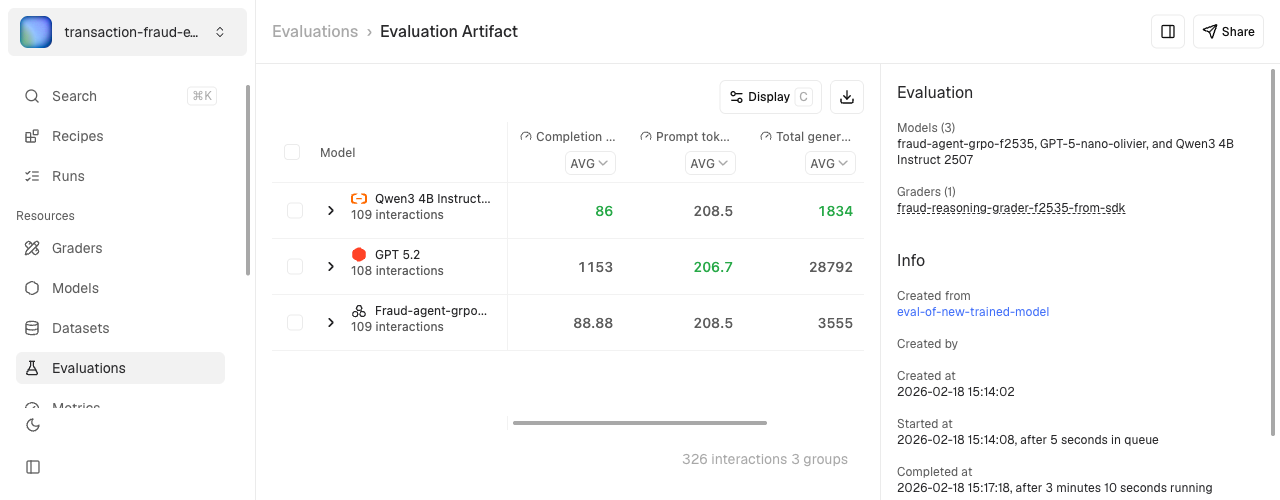
Results appear as evaluation artifacts with score tables and per-sample interactions. Evaluations use Graders to score completions.Resume an interrupted run
Resume picks up from the last saved checkpoint and keeps the same job ID — it does not fork a new run. Resume from the Runs tab in the UI, or re-launch the job with resume enabled.Resume is step-level, not epoch-level. Multi-stage runs (currently preference_rlhf, which orchestrates DPO / PPO / GRPO under one recipe) track each stage’s progress independently — resume picks up at the active stage’s last checkpoint, not the first stage.Any saved checkpoint can be promoted to a standalone model in the project registry. See Promoted checkpoints on the Models page for the full workflow, including the LoRA-backbone footgun.For custom recipes, see Custom Recipes.See SDK Reference for all job methods.Run a recipe
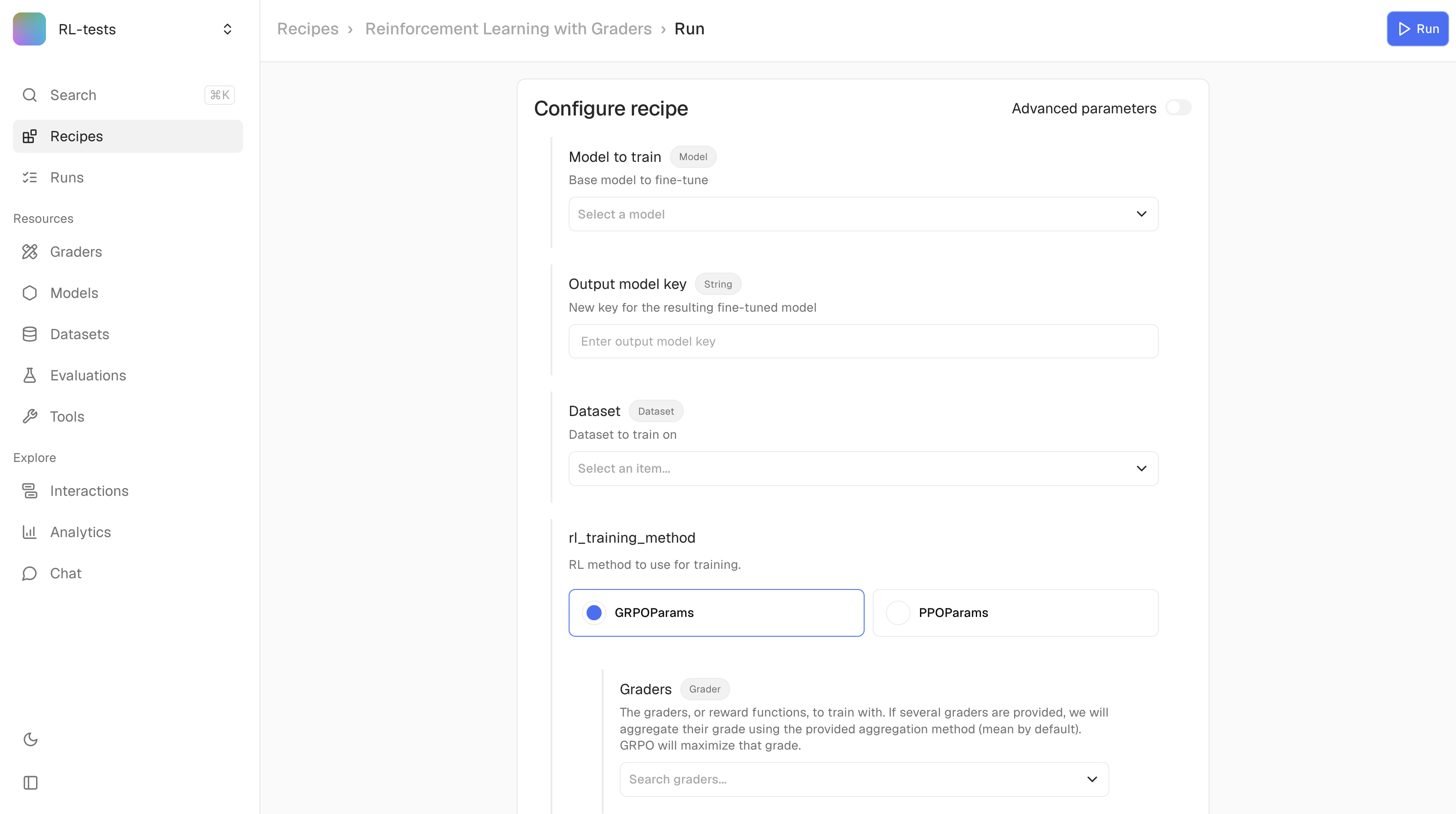
Navigate to your project and open the Recipes tab. Select a recipe and configure its parameters.Click Run to launch. Track progress in the Runs tab.Monitor runs
Open the Monitoring tab to watch training telemetry in real time. See Monitoring for the full guide — loss curves, reward signals, side-by-side run comparison, and how to log custom metrics from a Harmony recipe.Open a run and pick Promote checkpoint on any saved checkpoint. See Promoted checkpoints for the full workflow.If a run is interrupted, resume it from the Runs tab. Resume picks up at the last saved checkpoint and keeps the same run record; multi-stage runs resume at the active stage.View evaluation results
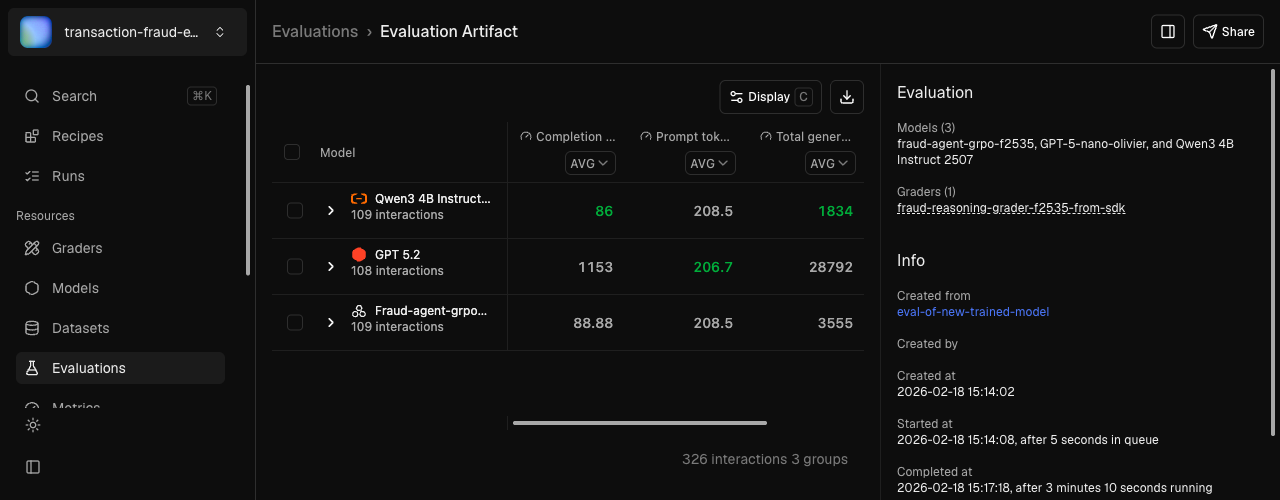
After an evaluation completes, click the run to see the score table.Click any row to drill down into individual interactions and compare model outputs side-by-side.