Documentation Index
Fetch the complete documentation index at: https://docs.adaptive-ml.com/llms.txt
Use this file to discover all available pages before exploring further.
Models power your AI applications. Add a model to a project to deploy it, then make inference requests.
A model in your project comes from one of four sources:
| Source | When to use |
|---|
| Adaptive catalog (new in v0.14) | The fastest path. A curated, server-managed list of production-validated open-source models (Mistral, Qwen, Gemma families across sizes). No HF token, no manual download. |
| Hugging Face import | A specific HF model that isn’t in the catalog. Requires an HF token. |
| External provider | OpenAI, Anthropic, Gemini, Azure, or your own API endpoint. See Integrations. |
| Promoted checkpoint | A snapshot from a training run, lifted into the registry as a standalone model. See Promoted checkpoints below. |
The catalog is the recommended default. New models appear there server-side without requiring a platform update.
Add and deploy a model
Once a model is in your project’s registry, deploy it for inference:adaptive.models.add_to_project(model="llama-3.1-8b-instruct")
adaptive.models.deploy(model="llama-3.1-8b-instruct", wait=True)
# Or use attach() to do both in one call
adaptive.models.attach(model="llama-3.1-8b-instruct", wait=True)
| Parameter | Type | Required | Description |
|---|
model | str | Yes | Model key from the registry |
wait | bool | No | Block until model is online (default: False) |
make_default | bool | No | Set as default model for the project |
The model becomes available within a few minutes.Import from Hugging Face
For models not in the Adaptive catalog, import from Hugging Face directly:adaptive.models.add_hf_model(
hf_model_id="meta-llama/Llama-3.1-8B-Instruct",
output_model_name="My Llama 3.1 8B",
output_model_key="my-llama-3.1-8b",
hf_token="hf_...",
)
| Parameter | Type | Required | Description |
|---|
hf_model_id | str | Yes | Full HF model ID (must be in the supported list) |
output_model_name | str | Yes | Display name for the imported model |
output_model_key | str | Yes | Key for the imported model in the Adaptive registry |
hf_token | str | Yes | Hugging Face access token with read permission |
compute_pool | str | No | Compute pool to run the import job |
Import runs as an asynchronous job — the model appears in the registry once conversion finishes.Catalog import (the recommended path) is currently UI-only. Open the Add Model dialog in your project and pick Import from Adaptive ML’s catalog.
A training run saves snapshots at configurable intervals (see checkpoint_frequency). Any saved checkpoint can be promoted to a standalone model in the registry, then evaluated or deployed like any imported model.Promotion is currently UI-only — open a run and pick Promote checkpoint on a saved checkpoint. SDK support uses the underlying GraphQL mutation directly:from adaptive_sdk.graphql_client import PromoteCheckpointInput, CheckpointModelPromotionInput
job = adaptive._gql_client.promote_checkpoint(
input=PromoteCheckpointInput(
artifact_id="<checkpoint-artifact-uuid>",
models=[CheckpointModelPromotionInput(
model_key="<source-model-key-in-checkpoint>",
name="my-grpo-step-800",
)],
)
)
Promotion runs as an asynchronous copy job. Promoted models retain full provenance back to the source run.LoRA backbone footgun: when you promote a LoRA checkpoint, the platform records the backbone reference in the model’s metadata but does not automatically attach the backbone to your project. If the backbone isn’t already in the project, inference against the promoted LoRA fails with a “model not found” error. Add the backbone with add_to_project before deploying.
See SDK Reference for all model methods.Add a model
Open your project’s Models tab and click Add Model. The dialog offers four import paths:
- Import from Adaptive ML’s catalog — pick a model from the curated list. The dropdown groups models by family (Mistral, Qwen, Gemma) with size badges. Gated models show a license-acceptance checkbox; tick it to acknowledge the license terms before importing. License acceptance is recorded per user.
- Import from Hugging Face — paste an HF model ID and provide your access token.
- Connect external provider — register an OpenAI / Anthropic / Gemini / custom endpoint.
- Custom endpoint — point at a model you host yourself.
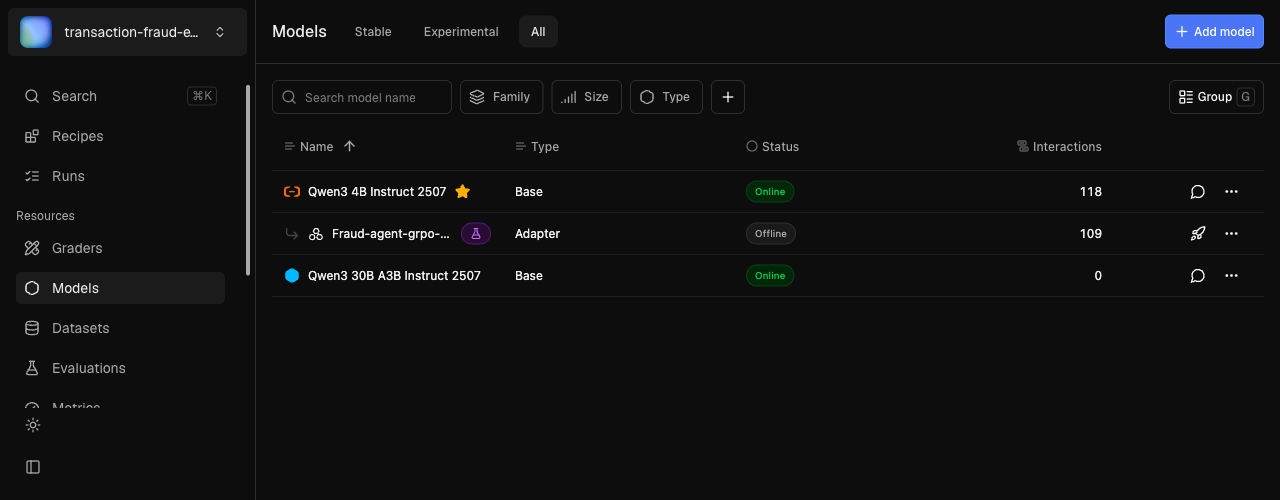
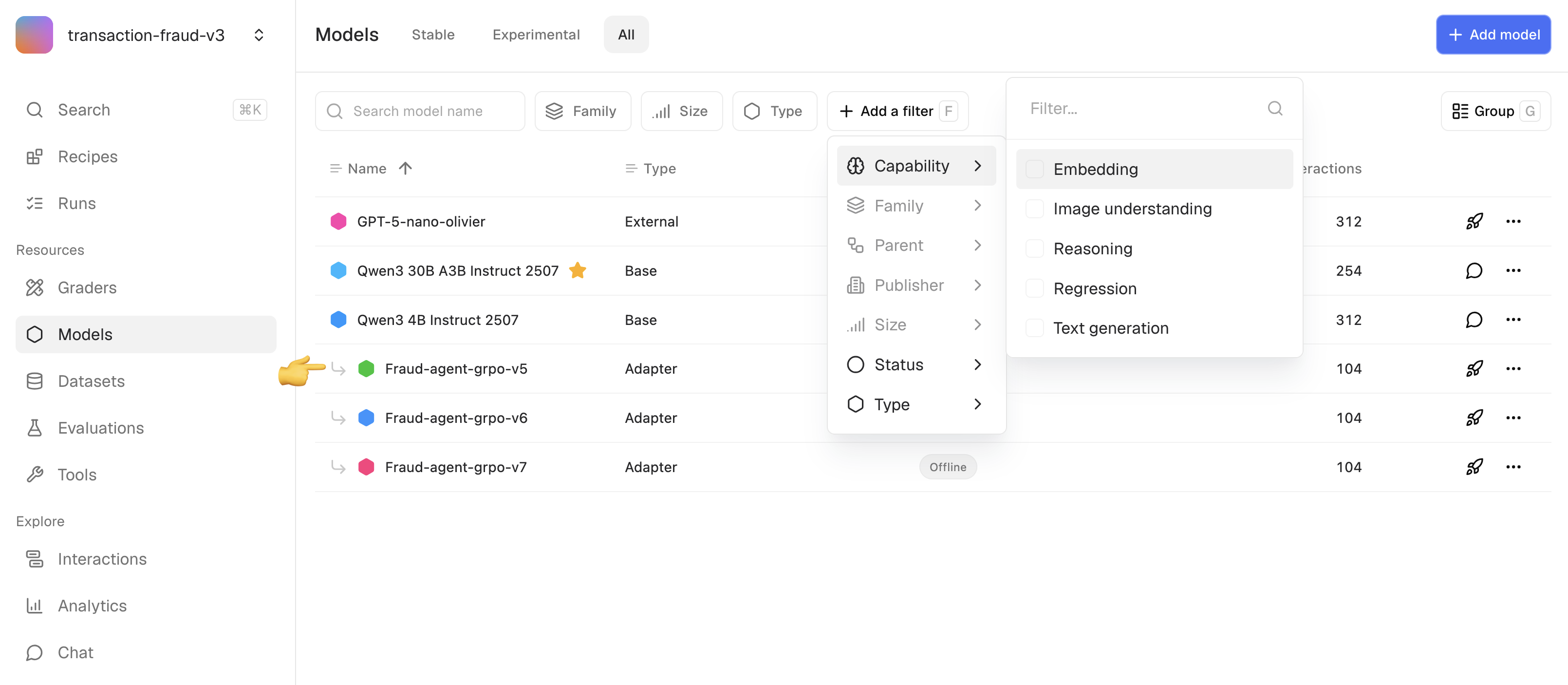
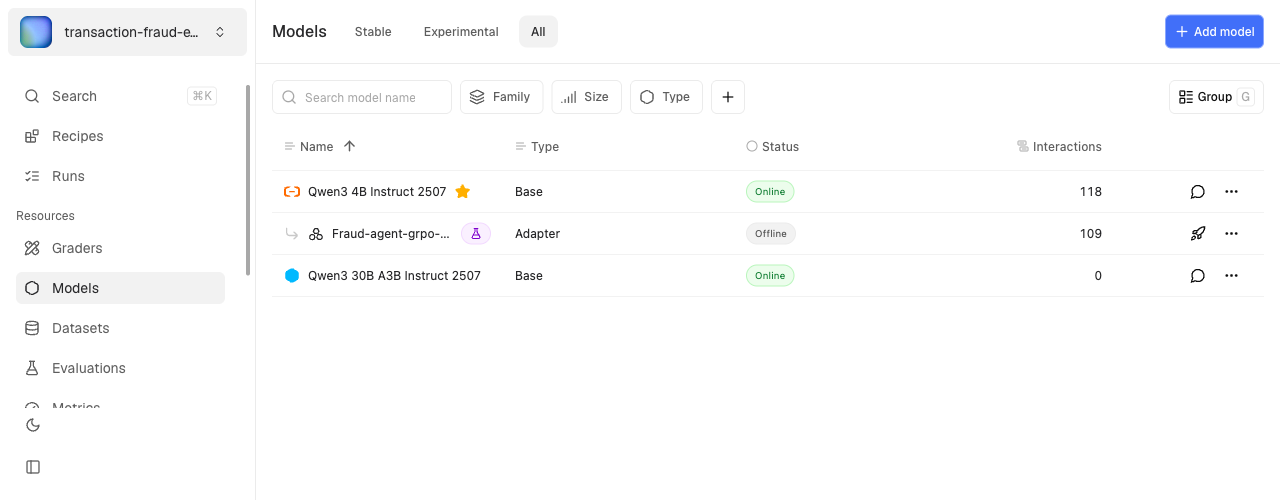
The import runs as an asynchronous job. The new model appears in the registry once conversion finishes.Fine-tuned adapter models appear indented under their base model.Open a training run and pick Promote checkpoint on any saved checkpoint. The checkpoint is copied to a standalone model in the project registry, with full provenance back to the source run. Use this when an intermediate checkpoint outperforms the final one — common in RL runs where later steps overfit to the reward signal.Promoting a LoRA checkpoint records its backbone reference. Make sure the backbone model is also in your project before deploying — otherwise inference fails.