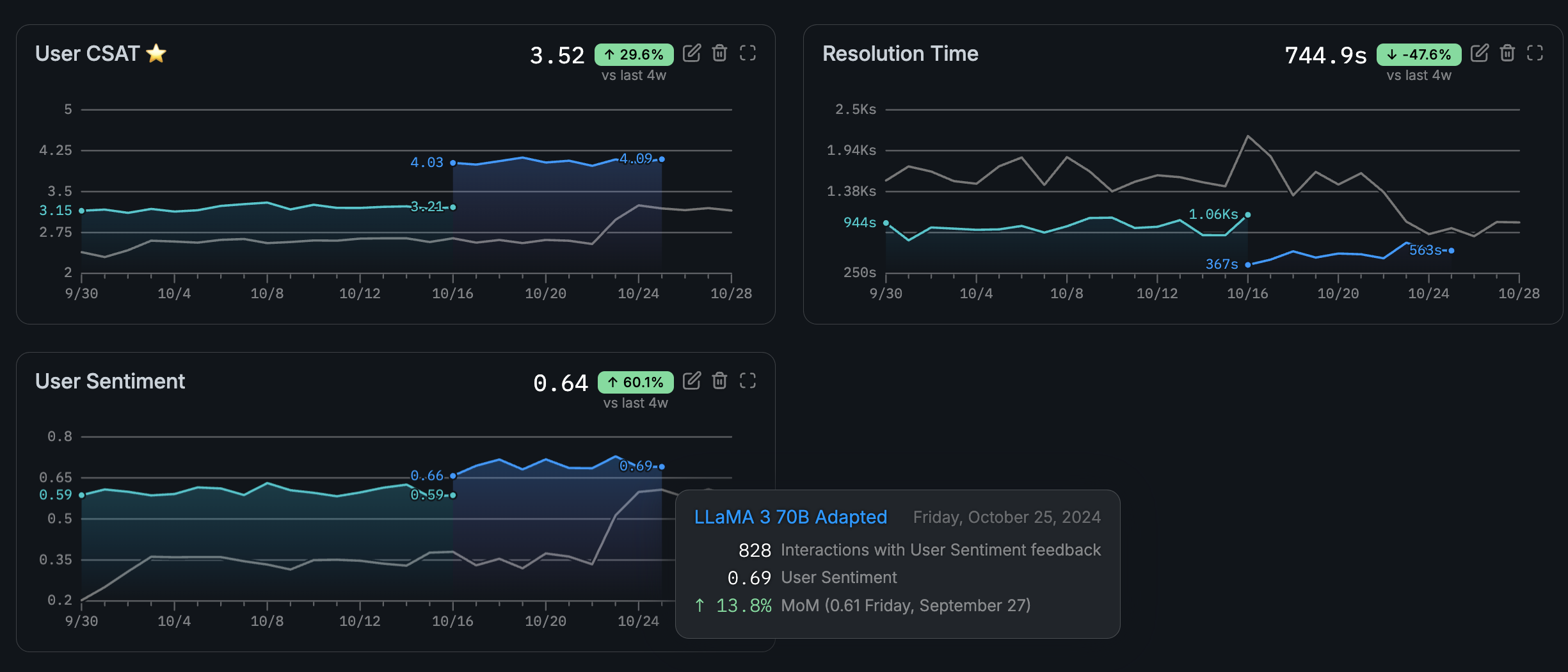
- System metrics — auto-computed per completion (TTFT, latency, token counts). No setup required.
- Grader metrics — produced by Graders (AI judges, pre-built, custom, external). Scores are written automatically when graders run.
- User metrics — custom ratings you define and log via SDK. Use these for human evaluation, application-specific scores, or any signal not covered by system or grader metrics.
- SDK
- UI
Register a user metric
Before logging values, register a metric key:The SDK resource is
adaptive.feedback — the entity is called “metrics” in the UI but the SDK interface retains the feedback name.Log metric feedback
Log a rating for a completion using itscompletion_id from the inference response: